B2B app development: what to get right in a business app
A business app is an app your organisation uses to get work done: by employees, partners or business customers. B2B app development asks for different choices than building an app for consumers.
We build internal apps for companies in logistics, e-commerce, the taxi sector and healthcare, among others. Below you will read what makes a B2B app different and what we learned in those projects.
What is a business app?
A business app, also called a B2B app or internal app, supports a work process. Think of a ride planning app, an ordering app for regular business customers or an employee app for rosters and updates.
The users are known. You know who they are, what their job is and which systems they already use. That makes an app for employees simpler than a consumer app in some ways, and harder in others.
What makes a B2B app different from a consumer app
In business app development, the differences come down to who uses the app and what it has to work with.
| Consumer app | Business app | |
|---|---|---|
| Users | An unknown audience | Known employees or business customers |
| Goal | Attention, sales or fun | Getting a task done faster or with fewer errors |
| Login | Own account or social login | Company account, often with single sign-on |
| Permissions | Everyone sees the same | Roles decide who can see and do what |
| Integrations | Limited | ERP, CRM, planning or accounting |
| Rollout | App Store and Google Play | A URL, private distribution or a public store |
| Success | Downloads and retention | Time saved, fewer errors and use by the team |
An app organises your processes, it does not change them
Developing a business app starts with the work the app should support. An app mainly helps to organise processes that already exist.
Many companies hope a new app will change how people in the organisation behave. That does not work. If a process does not run well today, an app will not fix it by itself.
You know your processes less well than you think
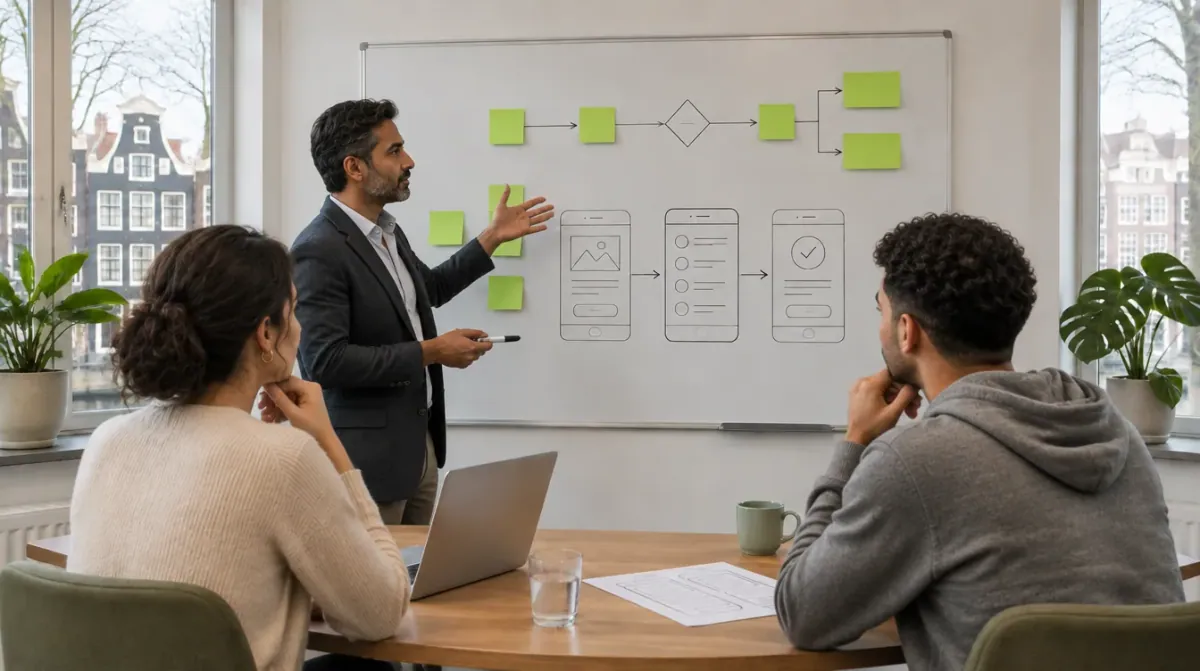
Most clients think they know exactly what they want and how their processes run. In practice, a lot of knowledge sits in the heads of employees: exceptions, rules of thumb and steps that are written down nowhere.
It takes time to bring that hidden knowledge to the surface. So talk to the people who do the work every day, not only to management.
Why we always start with a web app
We always advise starting with a web app, even if you want a mobile app later.
Inside a company, a web app is the easiest to distribute and to use. Employees only need a URL, with no app store and no installation.
A web app works on mobile and on desktop, because both have a browser. The planner in the office and the driver on the road use the same app.
For the web app we usually build an API. That API can later power a mobile app as well, so nothing gets built twice.
If a mobile app follows later, you can distribute it within your own organisation only. That works through mobile device management (MDM), Apple Business Manager or Managed Google Play.
Start small, not with every bell and whistle
Building a business app complete in one go looks efficient, but it does not work.
We once built a large system for a government organisation that wanted every bell and whistle at once. That goes against how we work, but we went along with it.
The result was a huge system full of form fields, and most of it was never used. It took a lot of time and negotiation to bring it back to something the end users were happy to work in.
That is why we first launch something very simple that adds value right away, and build on top of it. A first version is live within a few weeks to a few months.
Start with the process your team finds most annoying
What always works: start with the process employees find the most annoying. If the app takes exactly that work off their hands, they will be happy to use it.
Employees do not choose between ten competing apps, but they can always fall back on Excel, paper or WhatsApp. An app that is simple and useful prevents that.
Login, roles and integrations
In a business app, not everyone sees the same thing. An employee sees their own tasks, a team lead the whole team and an administrator everything. Define those roles early.
If your organisation uses Microsoft 365 or Google Workspace, single sign-on (SSO) is the obvious choice. Anyone who leaves then loses access automatically.
Much of the time saved comes from integrations with your ERP, CRM or planning. Find out up front which systems have an API and which system is the source of truth.
Security and GDPR
A business app often handles sensitive data, such as customer information or personal data of employees. That brings in the GDPR and usually the requirements of your own IT department.
Think of encrypted storage, a clear place where the data lives and a log of who did what.
Buy a standard tool if one exists
If a standard tool exists that meets your requirements, buy it. Even if you want your own app later.
A standard package teaches you what works and what does not. You test whether your process fits in an application, and if not, which part does not fit. That knowledge leads to better choices if you do build a business app later.
B2B app development with Wise Minds
Planning to build a business app? We start with the process your team finds most annoying, build a simple web app first and expand from there.
Read more about how we build apps for Android and iOS on our custom mobile app development page.
Not sure whether you need an app or a web app? Read when a web app fits better than a mobile app.
Want to know what drives the price? Read what it costs to get an app made.
Is your goal mainly to automate work, with or without an app? See business process automation consulting.
Frequently asked questions
What is a business app?
A business app is an app an organisation uses for its own work, by employees, partners or business customers. Examples are a ride planning app, an ordering app for regular customers or an employee app.
What is the difference between a B2B app and a B2C app?
A B2B app is built for business users and supports a work process. A B2C app targets consumers. B2B apps more often have roles and permissions, integrations with business systems and private distribution.
Does a business app have to be a mobile app?
No. A web app works in the browser on phone, tablet and laptop and needs no app store. A mobile app is mainly needed when you use many device features or have to work offline.
Does a business app have to be in the App Store?
No. A mobile business app can be offered to your own organisation only, through mobile device management, Apple Business Manager or Managed Google Play.
What is single sign-on?
Single sign-on (SSO) means employees log in to several systems with one company account, for example their Microsoft or Google account. In a business app, SSO makes access end as soon as someone leaves the company.
How long does it take to build a business app?
That depends on the number of features and integrations. A first, simple version for one process can be live within a few weeks to a few months. An app with many integrations or strict security requirements takes longer.